
Black Flag Resynced: How to Avoid the 'Not Even a Real Captain' Softlock and DLSS Artifacts
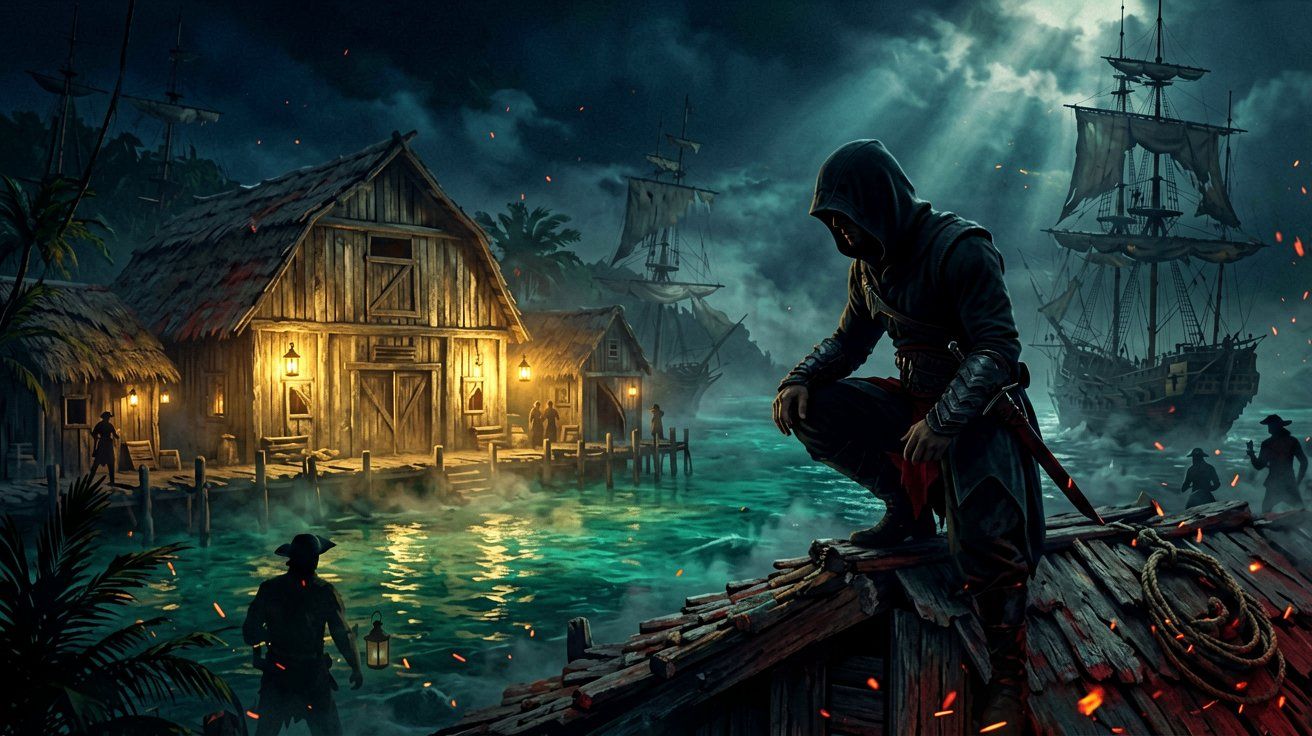
Assassin’s Creed Black Flag Resynced has been available for over a month, and while players are thoroughly enjoying the completely rebuilt Caribbean on the latest Anvil engine, a few stubborn progression blockers have surfaced. The most recent and frustrating issue currently circulating in the community involves a hard softlock in the “Not Even a Real Captain” mission. For players who love to clear out enemy encampments before the game explicitly tells them to do so, this particular bug can ruin hours of progress.
In this guide, we will break down exactly what triggers this progression blocker, why common community workarounds fail, and the best practices to ensure your save file remains intact. Additionally, we will cover a newly reported visual issue regarding DLSS Frame Generation on PC and a fascinating lore connection to Assassin’s Creed Shadows hidden deep within the game’s modernized Animus database.
The “Not Even a Real Captain” Softlock Explained
During the “A World Without Gold” questline, players will eventually reach a narrative mission titled “Not Even a Real Captain.” The primary objective directs Edward Kenway to a specific barn located in the bustling streets of Kingston. Your goal is to search for clues regarding a high-value target’s whereabouts.
The problem arises from how the new engine handles objective sequencing and NPC state management in this specific area. The quest requires you to find three distinct clues (tracked on the UI as “Clues found: 2/3”). The third and final clue is permanently tied to an officer located inside the barn. However, if you arrive at the barn and decide to initiate a preemptive strike—killing everyone in the vicinity before properly triggering the investigation phase—the quest logic entirely breaks down.
Normally, investigation targets in Black Flag Resynced are protected by background scripts that either prevent them from dying early or allow their corpses to be looted for the necessary quest item even if they are caught in the crossfire. In this specific Kingston barn scenario, the scripting fails. The officer dies, his body drops to the floor, and the green quest marker hovers mockingly over him. The prompt to loot or investigate never appears on the screen. The only interaction available to the player is to pick up and carry the corpse, which does absolutely nothing to advance the objective.
Why Standard Workarounds Fail
When faced with a bugged quest, the veteran player instinct is to try a series of tried-and-true reset methods to force the engine to refresh the area. Unfortunately, community reports confirm that the standard tricks do not work for this specific officer.
Here is a list of actions that will not fix the broken clue state:
- Fast Traveling Away: Leaving the Kingston region and fast-traveling across the map to a different island like Nassau or Havana, then returning, does not reset the officer’s state. While regular guards in the area will respawn as expected, the specific quest officer remains a static, unlootable corpse on the barn floor.
- Progressing Other Content: Leaving the area to complete other main story missions or taking on random naval contracts in hopes of flushing the memory cache will not work. The dead state of the officer is baked into your active save state for that specific questline.
- Explosives and Physics Engine Manipulation: Some players attempted to use game physics to reset the entity, placing gunpowder barrels next to the body and detonating them to move the corpse out of the barn. While highly entertaining, this does not force the UI to spawn an investigation prompt.
The only confirmed solution once the bug has occurred is to immediately reload a previous save file from before you entered the Kingston barn area. Because the game utilizes an autosave system that aggressively overwrites your recent progress after combat encounters, you might lose a significant amount of playtime if you do not have a manual backup save created beforehand.
Best Practices for Investigation Missions
To avoid this headache entirely, you need to adjust your approach to restricted zones tied to narrative quests. The revamped detection mechanics in Black Flag Resynced give you incredible freedom to manipulate enemy AI, but you must respect the objective markers provided by the game.
When approaching a yellow investigation zone, follow these guidelines:
- Rely on the Expanded Eagle Vision: Tag all enemies from a distance and locate the gold-highlighted target before drawing your hidden blades. If the objective says “Investigate,” do not switch to an open combat mindset.
- Maintain Pure Stealth: Use the dense foliage and the verticality of Kingston’s rooftops to remain undetected. If you need a refresher on how the new detection meters and line-of-sight rules operate, check our comprehensive stealth mechanics guide.
- Wait for the UI Prompt: Do not assassinate key figures until you are within interacting distance and the UI explicitly tells you to do so, or until you have gathered all environmental clues first. Letting the dialogue play out is safer than rushing a kill.
PC Performance Warning: DLSS Frame Generation Artifacts
Shifting away from gameplay bugs, PC players utilizing high-end Nvidia GPUs should be aware of a new visual glitch related to DLSS Frame Generation (MFG). The game recently introduced expanded Frame Gen options in the display settings, allowing for 3x and 4x frame multiplication to push frame rates into the stratosphere for monitors with extremely high refresh rates.
However, users are actively reporting that setting DLSS MFG to 3x or 4x introduces severe visual artifacts. Even when running the game at a stable base framerate with a powerful processor, the aggressive frame interpolation struggles with the complex, physics-based rigging of the Jackdaw’s sails and the fast-paced, sweeping animations required during naval combat.
The result is noticeable screen tearing, UI smearing, and ghosting around Edward’s character model, making the game look substantially worse despite the high FPS counter. If you are currently tweaking your graphics settings, we highly recommend capping DLSS Frame Generation at 2x. This setting provides a massive performance uplift without sacrificing image integrity. If you are experiencing other stability problems or stuttering, you can refer back to our PC performance optimization guide or read up on previous engine stability notes from our earlier community watch.
Lore Discovery: The Naoe Descendant Connection
Finally, on a lighter note for the lore enthusiasts, dataminers have uncovered a fascinating narrative detail buried within the modernized Animus database of Black Flag Resynced.
A newly discovered text data file explicitly mentions a character named Junko Maeda, confirming her as a direct descendant of Naoe, one of the dual protagonists from Assassin’s Creed Shadows. This small text entry has sparked significant discussion among the community. In the “canon mode” of Shadows, romance options were famously disabled to maintain a strict canonical timeline for the historical narrative. However, this database entry in Black Flag Resynced strongly implies that Naoe did indeed have at least one child after the events of her game, quietly expanding the historical lore outside of the main narrative of Shadows.
While this revelation does not impact Edward Kenway’s pirating adventures in the Caribbean, it demonstrates how Ubisoft Singapore is effectively utilizing the database files to weave connective tissue across the franchise’s vast timeline. This type of cross-game worldbuilding is exactly what players were hoping for, much like when the community discovered the Codename Hexe easter eggs hidden in the modern-day files last month.
Be extremely careful when navigating the Kingston barn during “Not Even a Real Captain,” and keep your blades sheathed until the investigation is complete. On the technical side, temper your DLSS settings to avoid a messy screen during intense Caribbean storms. We fully expect Ubisoft to address the Kingston softlock in a future title update, but until then, manual saves are your best friend.
Sources
← Back to News