Black Flag Resynced Troubleshooting: Fixing Passive AI, Launch Crashes, and Harpooning Glitches
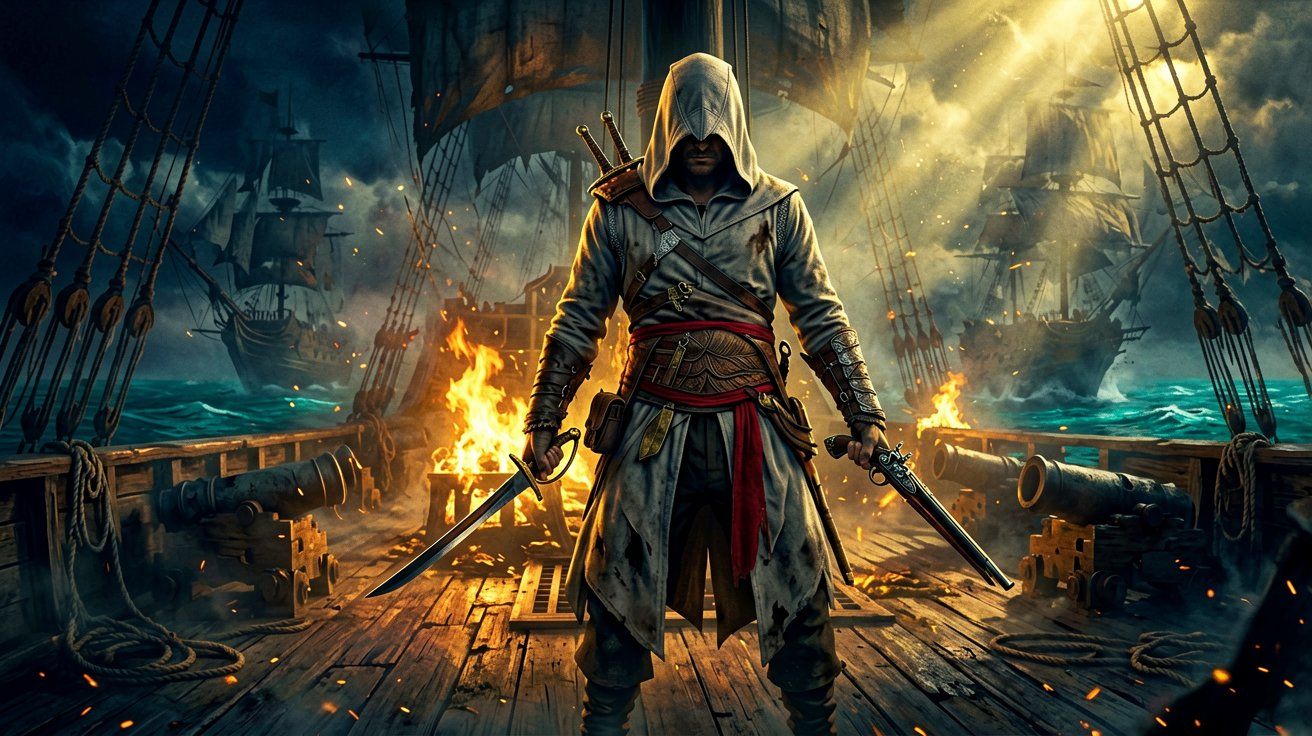
Assassin’s Creed Black Flag Resynced has successfully revitalized the Golden Age of Piracy, bringing Edward Kenway and the beloved Jackdaw back to the forefront of the gaming world. Rebuilt from the ground up on the latest Anvil engine, the game has been widely praised for its stunning visuals, enhanced mechanics, and seamless open world. However, as millions of players spend more time exploring the vast Caribbean, several highly specific, progression-hindering bugs have begun to surface.
Over the last twenty-four hours, the community has identified multiple recurring issues—ranging from enemies abruptly turning into pacifists, to severe crashes during the initial loading screen on PC. In this comprehensive troubleshooting guide, we will break down exactly why these glitches are happening and provide the best community-tested workarounds to keep your adventure afloat until Ubisoft deploys the next official patch. If you are experiencing general performance stutters rather than hard crashes, you may want to consult our dedicated PC troubleshooting guide instead.
The “Passive AI” Bug: How to Restore Enemy Aggression
One of the most unusual bugs currently frustrating players across both Xbox and PC platforms is the complete breakdown of enemy artificial intelligence during melee encounters. Essentially, guards and soldiers entirely stop initiating attacks with their swords, reducing intense battles to awkward standoffs.
Identifying the Issue: When this glitch activates, Spanish and British troops will draw their weapons, shout their usual combat barks, and surround Edward, but they will never actually swing their blades. Ranged enemies will continue to fire muskets and throw explosives, but melee fighters act strictly in self-defense. You can place your controller down in the middle of a restricted area, and as long as no musketeers are present, Edward will not take damage. This behavior severely undercuts the rhythmic tension of the combat mechanics. This pacifist AI behavior extends to naval combat as well; if you successfully disable and board an enemy ship, the defending crew will completely ignore you unless you accidentally step into the crossfire between them and your own quartermaster.
The Fix: Fortunately, you do not need to reinstall the game or wait for a title update to resolve this. The issue stems from a memory state error tied to the game’s dynamic difficulty scaling. To wake the AI back up:
- Pause your game and navigate to the main Options menu.
- Locate the Gameplay settings and change your Difficulty from its current state (e.g., Normal) to Hard.
- Unpause and return to the game world for a few seconds. You should notice enemies immediately becoming hostile again.
- Pause the game once more and revert the difficulty back to your preferred setting.
This simple menu toggle forces the Animus engine to recalculate and refresh the global aggression values for all spawned NPCs, instantly resolving the problem.
Resolving the PC Launch Crash at 25% Loading
While console players are dealing with sleepy guards, PC players are running into a far more fatal error: a consistent Crash to Desktop (CTD) that occurs every single time they attempt to launch the game.
Identifying the Issue: This crash happens identically for all affected users. The game boots up, displays the initial splash screens, and transitions to the loading sequence. Exactly at the 25% mark—when the text at the bottom of the screen reads “checking for memory add ons”—the application forcefully closes without an error code. Standard PC troubleshooting steps, such as updating Nvidia drivers, verifying game files through Steam, or clearing the GPU shader cache, have absolutely no effect on this specific crash.
The Root Cause and Workaround: This crash is almost exclusively caused by a corrupted local save file. This typically occurs if your storage drive runs out of space at the exact moment the game is writing an autosave, or if your PC experiences a sudden crash or power loss while playing. When the game launches, it attempts to read this corrupted memory block, panics, and shuts down the executable.
To get back into the Caribbean, you must manually isolate the corrupted file:
- Open your Windows File Explorer and navigate to your hidden AppData folder. You can do this quickly by pressing
Win + R, typing%appdata%, and hitting enter. - Locate your local save directory. Depending on your platform (Steam or Ubisoft Connect), this will typically be located under the
Ubisoft Game Launcher\savegames\folder, followed by a string of alphanumeric characters representing your account ID. - Find the specific folder for Assassin’s Creed Black Flag Resynced.
- Do not delete everything immediately. Instead, copy the entire save folder and paste it onto your Desktop as a safe backup.
- Go back to the original directory and delete the most recently modified save file (usually an autosave).
- Launch the game again.
Without the corrupted file blocking the initialization sequence, the engine will successfully load your previous, uncorrupted save state. You will likely lose a small amount of progress, but it is a necessary sacrifice to bypass the launch loop.
Harpooning Minigame: Accessibility and Control Reversions
Harpooning marine life remains a thrilling side activity in the Resynced edition, requiring precision aiming and quick reflexes as Edward takes to a small rowboat to hunt massive Great White Sharks and Humpback Whales. However, a frustrating bug is currently plaguing players who utilize the game’s custom accessibility options.
If you play on console with customized trigger bindings, or if you have modified your aiming style from ‘Hold’ to ‘Toggle’ in the accessibility menus, starting a harpooning activity will instantly wipe these preferences. The moment the minigame triggers, the controls forcibly revert to the default layout, changing your aim back to ‘Hold’. Worse still, there is currently no separate menu option specifically dedicated to harpooning keybinds, meaning players cannot pre-configure a workaround.
As of right now, there is no permanent community fix for this. Players must manually readjust to the default controls for the duration of the hunt. This appears to be a hardcoded oversight rather than a variable glitch, meaning we will have to wait for Ubisoft Singapore to address it in an upcoming patch. For more details on what you can expect out on the open ocean, check out our naval features overview.
Community Feedback: Lax Difficulty and The Platinum Grind
Outside of technical glitches, the community is currently engaged in a deep debate regarding the game’s overarching difficulty balance and the grueling nature of its achievement hunting.
Many veteran players have expressed that the naval systems are a bit too forgiving. Currently, if your ship desynchronizes during a massive naval battle, you are respawned with full health, full crew, and zero notoriety. Critics argue this removes all tactical consequences from failing an engagement. Suggestions have been floated on community forums proposing that desyncing at sea should leave the Jackdaw heavily damaged, forcing players to actively limp back to a port for repairs or frantically board smaller schooners for emergency supplies.
This ties directly into the frustrations surrounding the Platinum trophy hunt. Earning the Platinum in Black Flag Resynced requires players to interact with random probability-based (RNG) world events, such as social chests and royal convoys. Because the spawn rates for these events are incredibly low, some players report finishing the entire main campaign in 35 hours, only to spend an additional 50 to 100 hours aimlessly sailing just to wait for an icon to trigger. If you are currently embarking on this tedious journey, we highly recommend reading our guide on Platinum tips, fleet art exploits, and bugged missions to ensure you are maximizing your spawn chances.
Interestingly, during this endless sailing, players have noticed a strange, rapidly flickering white orb appearing sporadically on their world map. While initially dismissed as a visual artifact related to upscaling technologies, it is now heavily suspected to be a UI bug related to the aforementioned random events attempting to populate in the world. If you encounter the flickering orb, fast traveling to a new region will usually reset the map screen.
As the community continues to dissect the game, constructive criticism remains vital. We hope the developers are taking note of these specific pain points—both technical and mechanical—to ensure the Caribbean remains as captivating as ever in the months to come.
Sources
- AI not attacking me
- CTD on Assassin’s Creed Black Flag Resynced
- Assassins Creed Black Flag Resynced: Trigger swap issue with harpooning?
- When I opened my map I saw a white orb flickering…
- [Discussion] Do probability-based trophies ruin platnium trophies for you?
- AC Black Flag Resynced - Gaps in Gameplay: A Feedback Post
- What the hell happend to critism?
← Back to News